Register Your Client
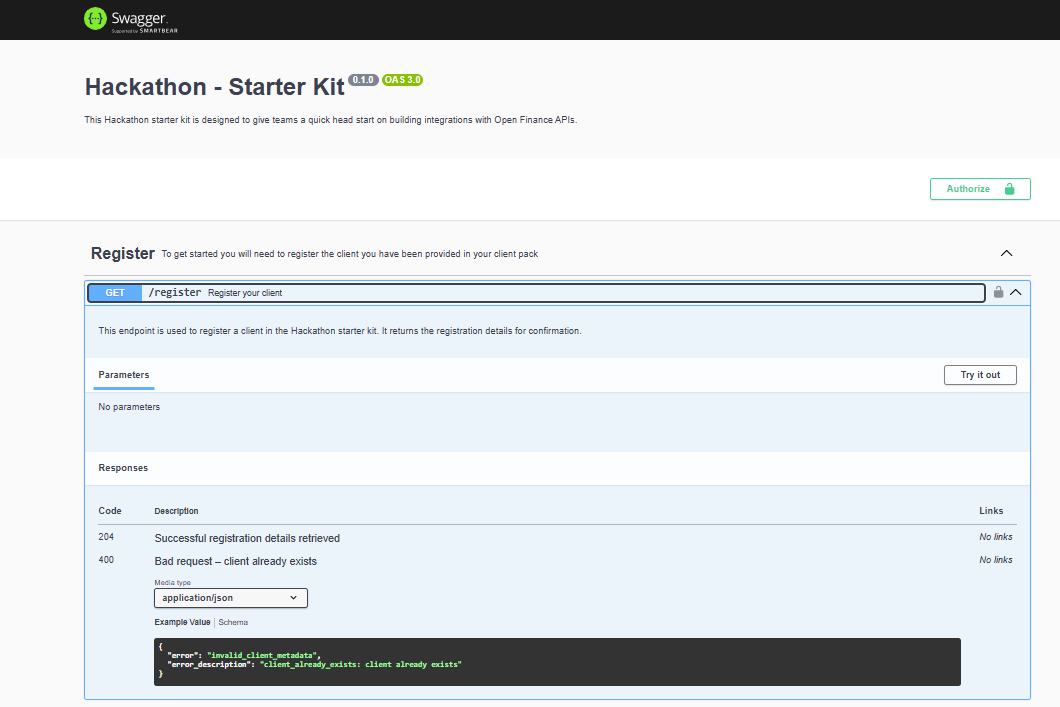
Before you can do anything with the Starter Kit, the first step is to register your client. You can do this in two ways:-
Using Swagger API Docs:
Openhttp://localhost:1411/api-docsand use theGET /registerendpoint. -
Directly in the browser:
Visithttp://localhost:1411/register.