

Step 1 - Create the data sharing consent.
To initiate a bank data sharing request, you must first create a consent request. Send a POST request to the following endpoint:/consent-create/bank-data
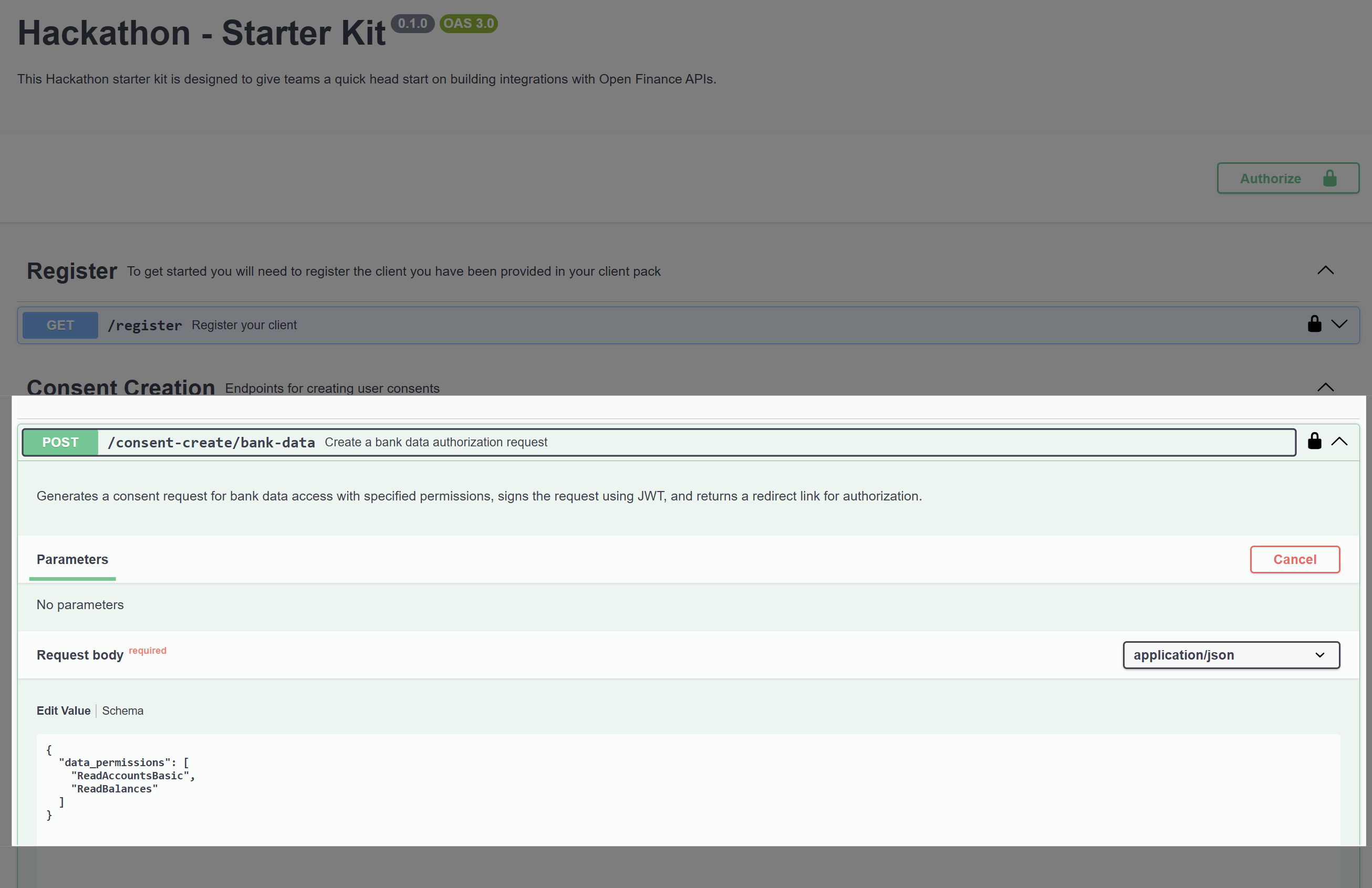
Response Description
Next Step
Open theredirect URL in a browser. This will take you to the Al Tareq Sandbox Model Bank authorization page, where the user can review and approve the consent.
💡 Tip: Be sure to store both the
consent_id and the code_verifier securely — you’ll need them in subsequent steps of the payment flow.Step 2 – Authenticate and Authorize in the Al Tareq Sandbox Model Bank
Once you open theredirect URL from the previous step, you’ll be taken to the Al Tareq Sandbox Model Bank for authentication and authorization.
Authentication
You’ll need to sign in using the credentials provided in your client pack. These include the username and password assigned specifically for your testing users. After successful authentication, you’ll be redirected to the consent authorization screen.Authorization
On this screen, you will be prompted to select the accounts to share the data from. You’ll also see the details of the consent you created earlier — including:- The data permissions
- The consent expiry date …
http://localhost:1411/hackathon-redirect
with an authorization code.
💡 Tip: Example of a successful callback
http://localhost:1411/hackathon-redirect?code=4c5d6295-ff1b-4d13-a232-1eebacec9a0c&state=9d196e63-9bc2-4c28-8bf9-225c07ce0fc5&iss=https://auth1.altareq1.sandbox.apihub.openfinance.aeStep 3 – Get an Access Token
After successfully authorizing the consent in the Al Tareq Sandbox Model Bank, you’ll be redirected back to your application with an authorization code included in the callback URL. You can now exchange the code for an access token by making aPOST request to the following endpoint:
/token/authorization-code
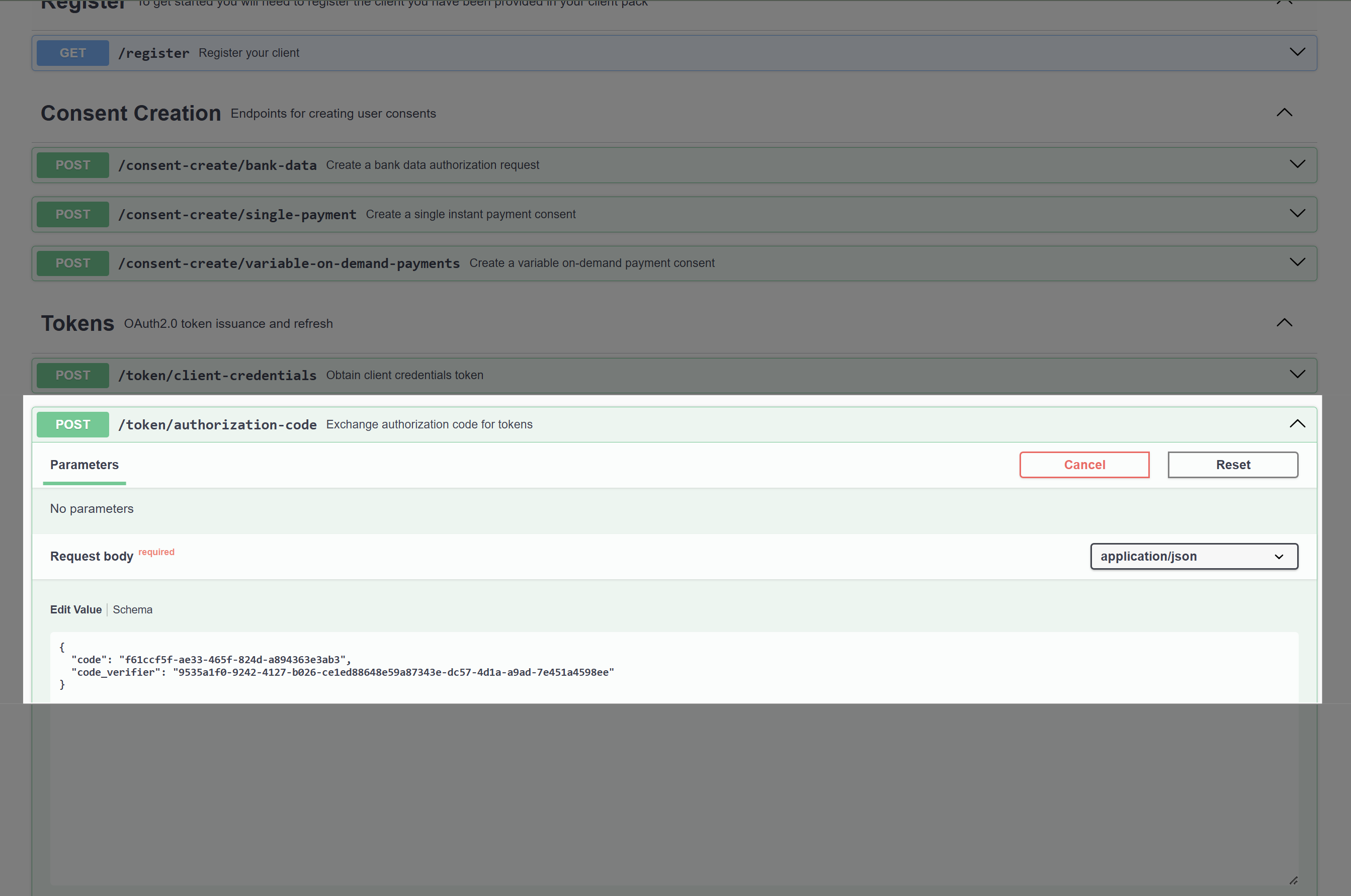
💡 Tip: Example of code
code=4c5d6295-ff1b-4d13-a232-1eebacec9a0ccode_verifier returned when you created the consent. If you have done this sucessfully you will receive a JSON response similar to the following:
Step 4 – Getting accounts
Now that you have the access token the only thing that is left is to get the bank data payment by making aGET request to the following endpoint:
/open-finance/account-information/v1.2/accounts

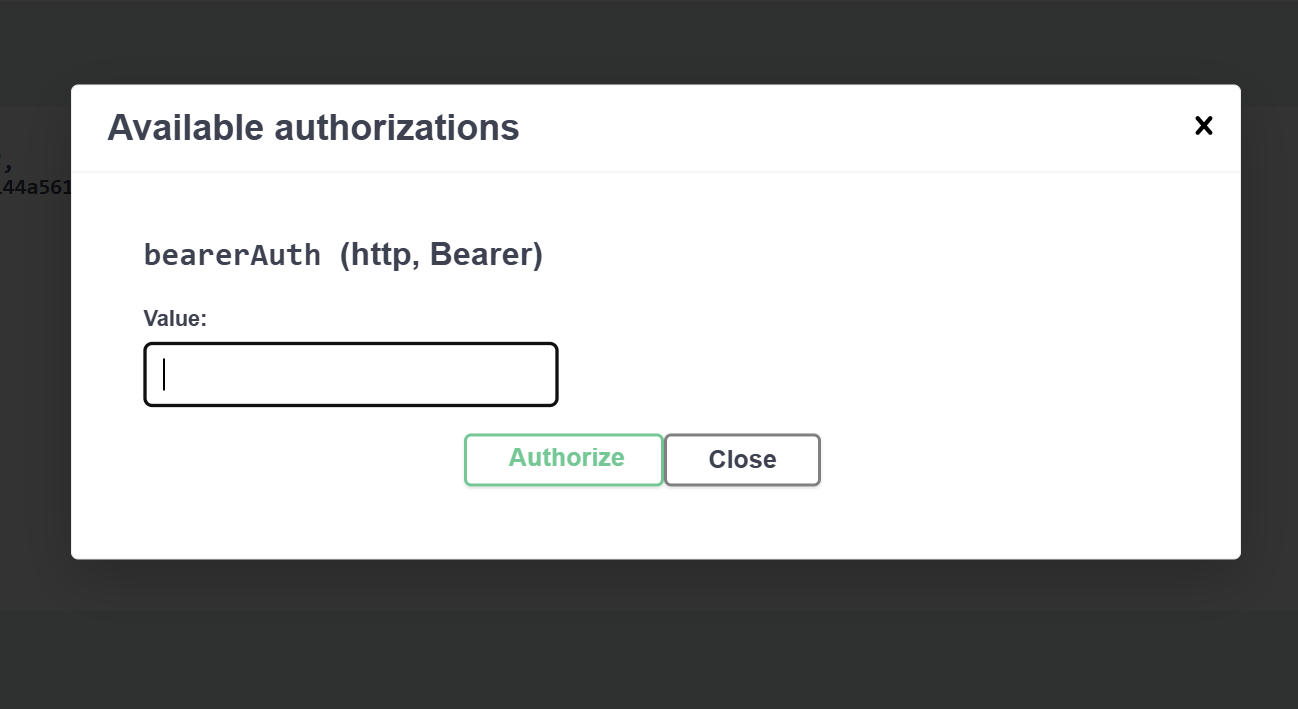
Accounts Response
💡 Tip: You can now make requests to the other Bank Data sharing endpoints
/open-finance/account-information/v1.2/accounts/{accountId}/balances by taking the AccountId returned in GET /accounts