

Before you can do anything with the Postman, the first step is to register your client.
  1. Open the /tpp-registration request.
  2. Attach your client certificate and private key.
  3. Send the request to complete registration.
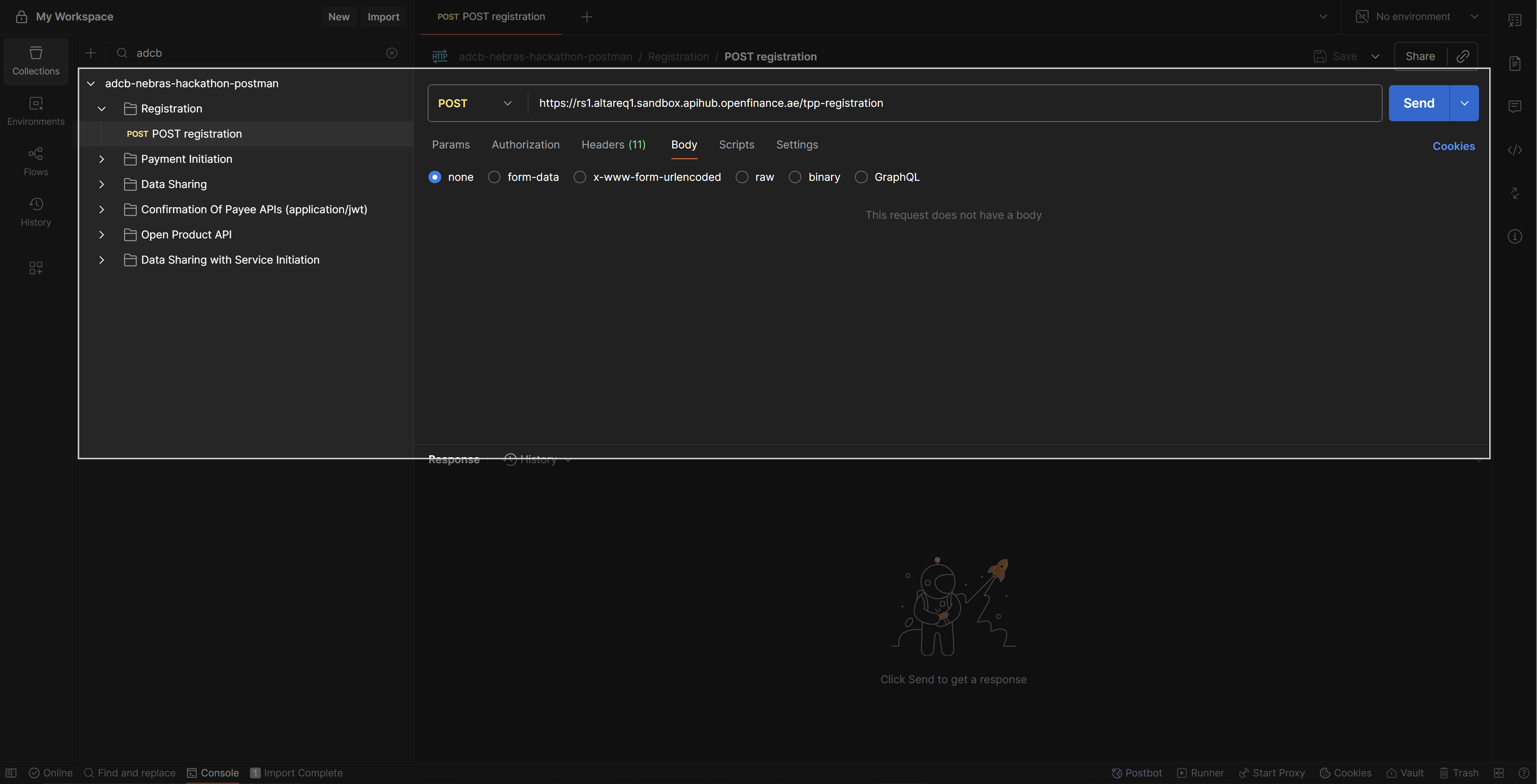
Registration request Once successful, Postman will display a 204 No Content response — confirming that your client is registered.

Expected Response

If you have followed all the previous steps in setting up Postman correctly, you will receive a: 204 No Content response. This confirms that your client has been successfully registered and is ready to start interacting with the APIs.