- Create consents with the AlTareq Model Bank
- Obtain access tokens
- Access Open Finance resources
Setting up Postman
Step 1. Install Postman
If you don’t already have Postman installed, follow these steps:- Go to the Postman website.
- Download the version for your operating system (Windows, macOS, or Linux).
- Run the installer and follow the prompts.
- Once installed, open Postman and sign in or create an account if needed.
Step 2. Locate the Postman Collection
Within your Client Pack, you should have a file called:postman_collection_open_finance_hackathon.json
Locate this file — it should look like:
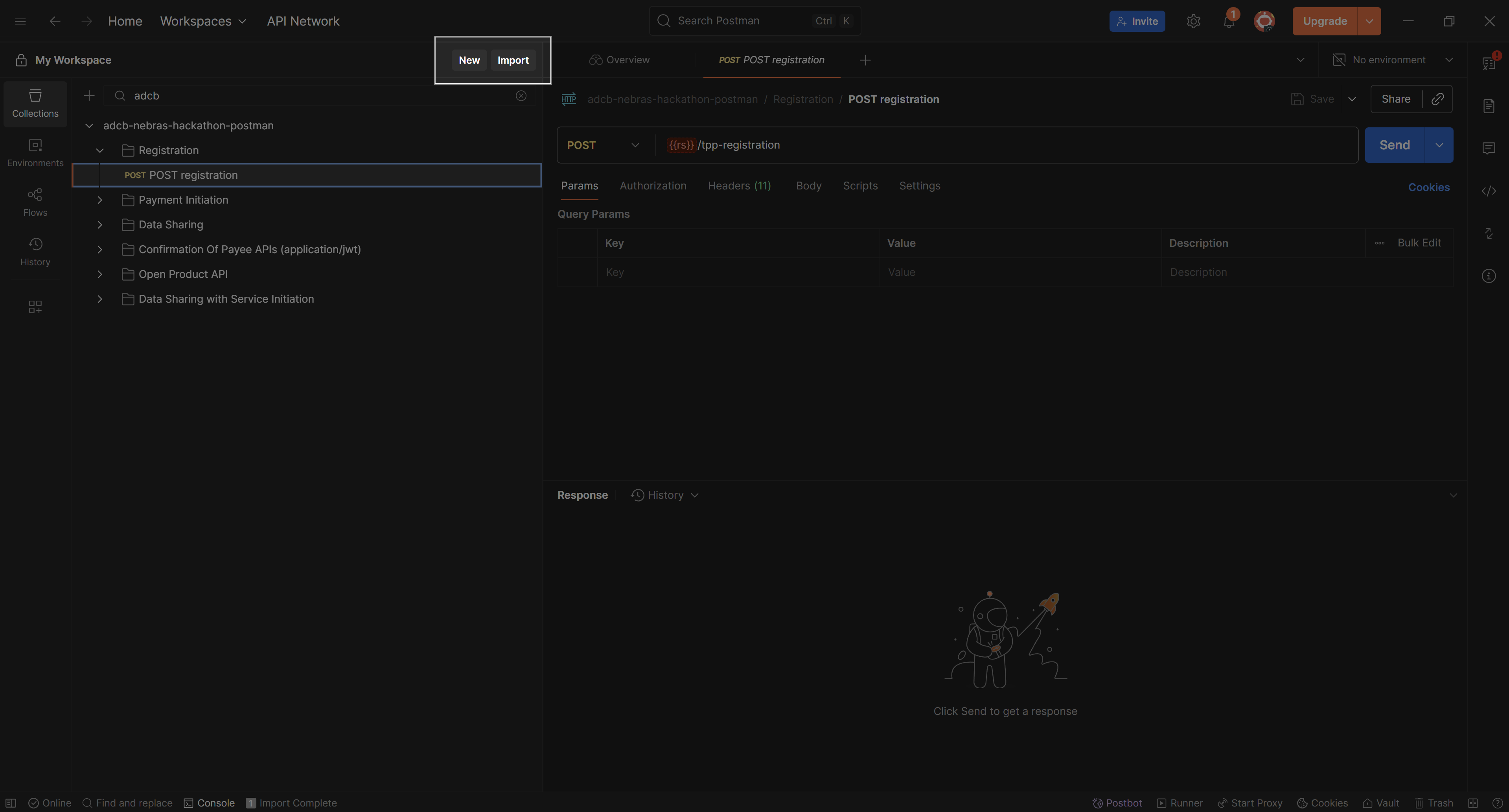
Step 3. Import into Postman
Open Postman, click Import, and select the filepostman_collection_open_finance_hackathon.json.